Talk through what is on your mind.
Type or speak, whichever feels comfortable. Discuss an idea, get clear on a question, or prepare for an important conversation.

Finance, research, the front line, legal, video and a personal assistant: each keeps its own desk and remembers your work. Your data stays with you, and they run on the Claude, GPT or Gemini plan you already pay for.





 Six employees, one desk each
Already invited? Open the app to connect your phone.Open on your phone
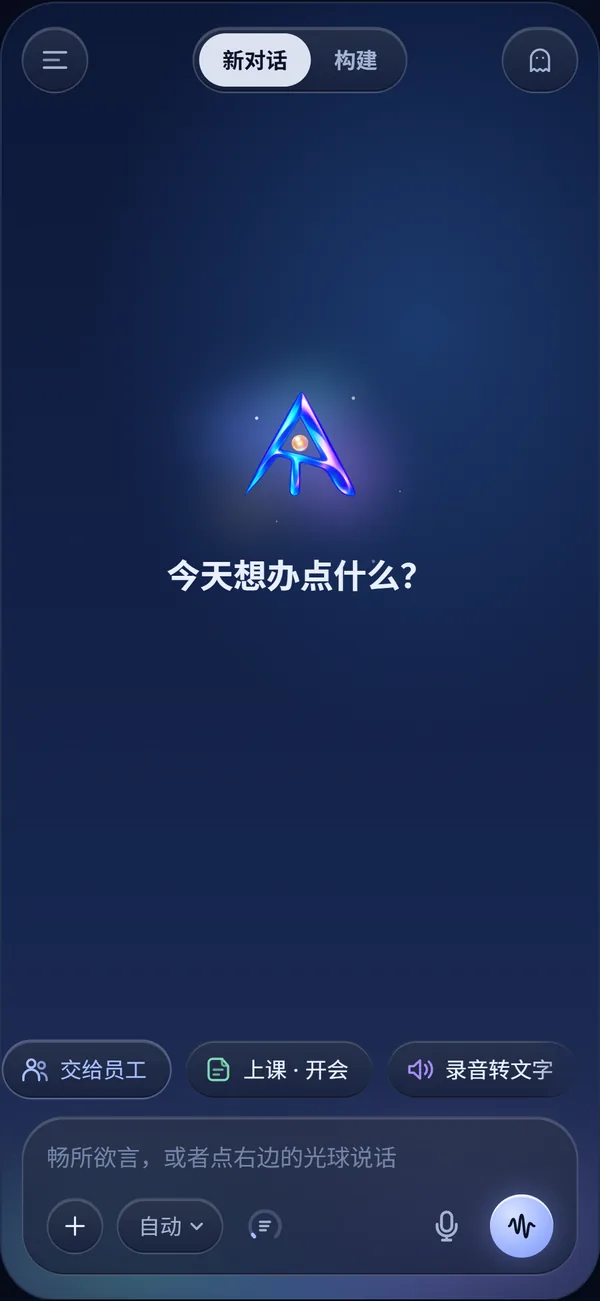
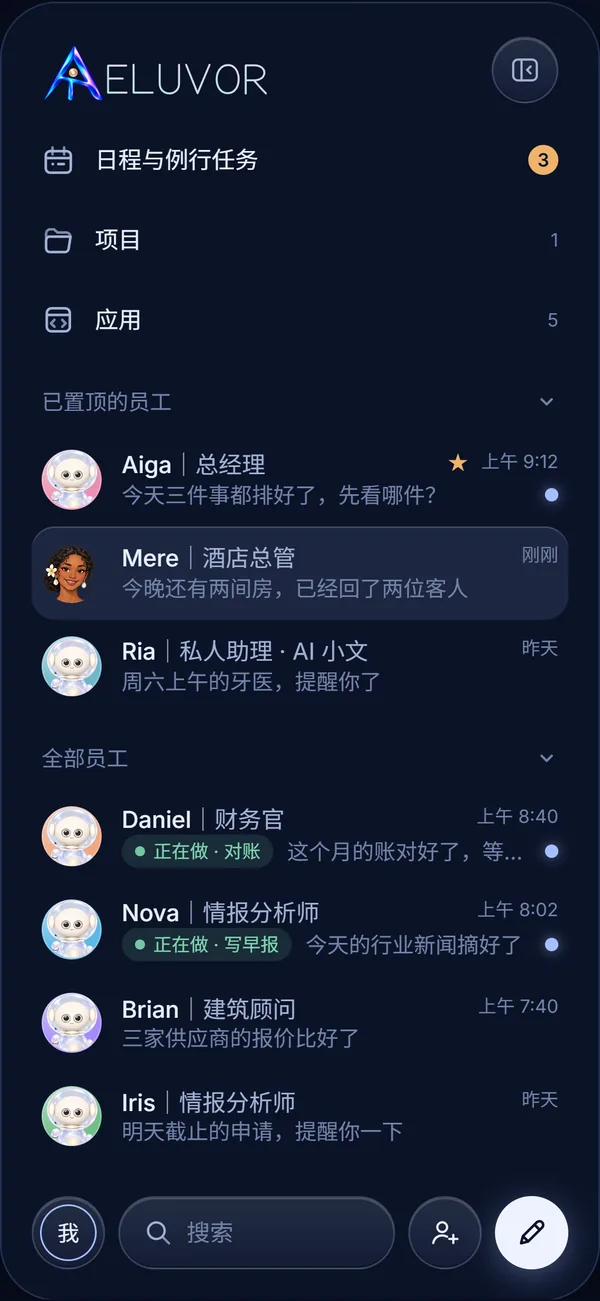
Each employee has a role, a memory and work in hand. Open the side panel to see who is busy with what, and tap anyone to talk to them.
DanielFinance
Keeps the books, matches the bank, reminds you before tax is due
NovaResearch
Has the news and openings that matter ready each morning
RiaPersonal assistant
Calendar, email and travel, sorted before you ask
NinaFront line
Sorts mail and messages, finds you when it is urgent
EdwardLegal
Reads contracts and official letters with you first
ZoeVideo
Plans what to film, how to cut it and when to post
No need to prepare a brief. Tell AELUVOR what you have planned, what is on your mind, or where you could use a hand.
Type or speak, whichever feels comfortable. Discuss an idea, get clear on a question, or prepare for an important conversation.
Your preferences, important family plans and earlier ideas help AELUVOR pick up the conversation without starting from scratch.
Bring tasks, agreed times and the people involved into view. Work out what needs attention first and what can wait.
People you miss, family plans, ideas for the weekend. Talk through the details with AELUVOR and give your everyday plans a clearer shape.
Customer messages, plans waiting for confirmation, an idea you want to try. Work through the context and what you need to say, then decide what to tackle first.
If you have an invitation, follow the app’s phone-pairing instructions to begin.
Open AELUVORContinue in your phone browser. A connected phone can open AELUVOR directly. For your first connection, ask your inviter to help you pair it.
app.aeluvor.com/voice/Open the app and follow the connection instructions.
Ask your inviter for a QR code. Scan it on your phone, check the details, and wait for connection approval.
Talk about your day, a family plan, or something you are working on.
AELUVOR is an AI companion for everyday life at home and in a small business. It brings together conversation, voice, memory, schedules, everyday tasks and coordination to help you think and plan. Available capabilities are those shown in the current app.
Select “Open AELUVOR” to visit the real app. On your first connection, follow the phone-pairing instructions with your inviter. This website does not offer public self-service registration. Contact hello@aeluvor.com to ask about access.
No. A suggestion is not proof that an action has been completed. Important information needs checking, and external actions need appropriate authorization. The scenarios here do not promise fully automatic execution, access to every third-party service or guaranteed results.
Public users pay US$5 to try AELUVOR. Only friends invited by the product’s founder may receive about US$5 in gifted credit. This website does not process top-ups or payments. Ask hello@aeluvor.com about access, or partners@aeluvor.com about partnerships.
First check the invitation and pairing instructions in the app. If you still need help, describe the issue to support@aeluvor.com. Do not email passwords, verification codes or other access secrets.
Ask about the product, share a partnership idea, or tell us where you need help connecting.